In IT infrastructure management, resolving every issue with the same resources is neither efficient nor cost-effective. Instead, best practices in the industry include a tiered support model. This structured framework categorises technical issues, ensuring the right expert handles the tickets according to issue type and complexity, and dedicated when needed. Collaboration with L1, L2 and L3 support is an essential aspect of efficient IT support operations (L3 does provide support to L1/L2 in most cases, not on-site resolution).
What are L0, L1, L2, L3 & L4 IT Support Engineers?
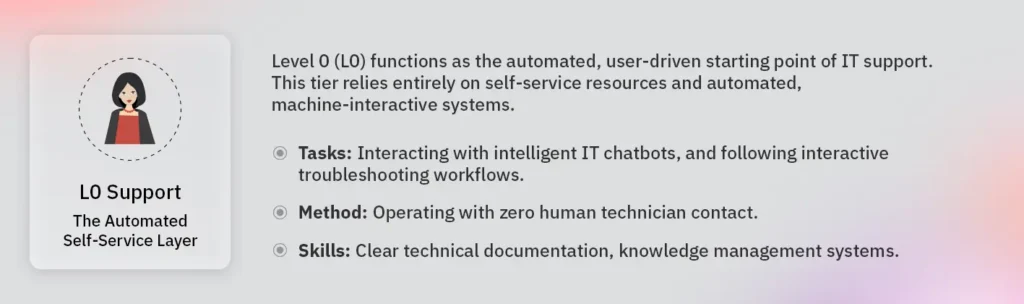
L0 Support: The Automated Self-Service Layer
Level 0 (L0) functions as the automated, user-driven starting point of IT support. This tier relies entirely on self-service resources and automated, machine-interactive systems. L0 represents the most basic level of technical support, designed to let users resolve issues independently without generating a helpdesk ticket.
- Primary Tasks: Executing autonomous password resets through secure authentication portals, querying centralised knowledge bases, interacting with intelligent IT chatbots, and following interactive troubleshooting workflows.
- Method: Fully automated digital interfaces powered by real-time software systems, operating with zero human technician contact.
- Skills Required: Clear technical documentation, knowledge management systems, intuitive user interface design, and seamless integration with identity management tools.
- Synonyms & Alternate Titles: Self-Service, Automated Support, Tier 0.
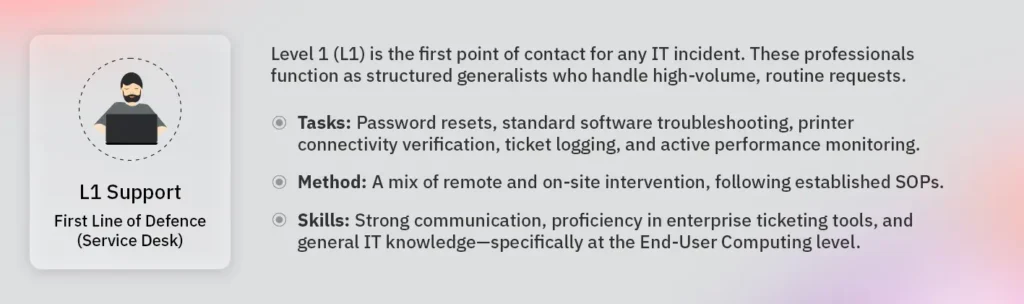
L1 Support: First Line of Defence (Service Desk)
Level 1 (L1) is the first point of contact for any IT incident. These professionals function as structured generalists who handle high-volume, routine requests. Their primary goal is to provide timely assistance and resolve common IT issues immediately, or gather sufficient information to escalate the ticket if the problem requires deeper technical expertise.
- Primary Tasks: Password resets, standard software troubleshooting, printer connectivity verification, ticket logging, and active performance monitoring. They collaborate directly with higher support tiers, such as L2 and L3, to track issues, minimise user downtime, and maintain overall operational efficiency.
- Method: A mix of remote and on-site intervention, following established Standard Operating Procedures (SOPs). They utilise targeted knowledge-base articles and runbook-driven resolution to maintain absolute service consistency.
- Skills Required: Strong communication, proficiency in enterprise ticketing tools, and general IT knowledge—specifically at the End-User Computing (EUC) level, including PCs, mobile devices, and local networks.
- Synonyms & Alternate Titles: Helpdesk, Service Desk, First Line Support, Tier 1 Agent.
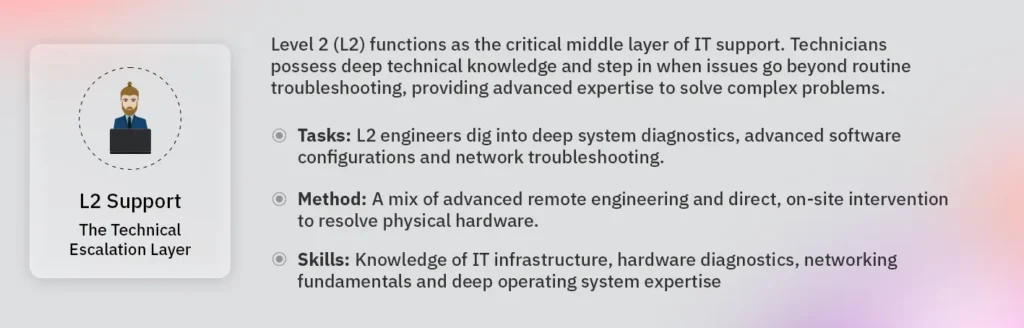
L2 Support: The Technical Escalation Layer
Level 2 (L2) functions as the critical middle layer of IT support. Technicians possess deep technical knowledge and step in when issues go beyond routine troubleshooting, providing advanced expertise to solve complex problems. This tier drives “hands-on” technical work, frequently performed through a dispatched on-site visit or via remote access.
- Primary Tasks: Equipped with a high level of access and technical knowledge, L2 engineers dig into deep system diagnostics, advanced software configurations, hardware repairs, and network troubleshooting. They actively identify recurring issues and recommend long-term solutions to prevent future incidents.
- Method: A mix of advanced remote engineering and direct, on-site intervention to resolve physical hardware and localised system failures.
- Skills Required: Advanced knowledge of IT infrastructure, hardware diagnostics, networking fundamentals, deep operating system expertise, and specialised problem-solving capabilities.
- Synonyms & Alternate Titles: Technical Support, Desktop Support, Specialist Support, Tier 2 Technician.
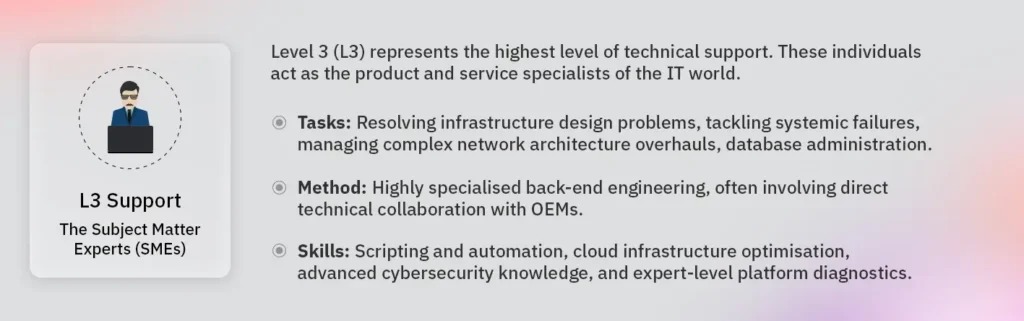
L3 Support: The Subject Matter Experts (SMEs)
Level 3 (L3) represents the highest level of technical support. These individuals act as the product and service specialists of the IT world. They deal with the underlying infrastructure and execute deep “root cause” analysis rather than addressing individual user symptoms.
- Primary Tasks: Resolving infrastructure design problems, tackling systemic failures, managing complex network architecture overhauls, database administration, and neutralising critical security incidents.
- Method: Highly specialised back-end engineering, often involving direct technical collaboration with Original Equipment Manufacturers (OEMs) and vendors to address deep-seated product issues.
- Skills Required: Scripting and automation, cloud infrastructure optimisation, advanced cybersecurity knowledge, and expert-level platform diagnostics.
- Synonyms & Alternate Titles: Expert Support, Backend Support, Engineering Support, Product Specialist, Tier 3 Expert.
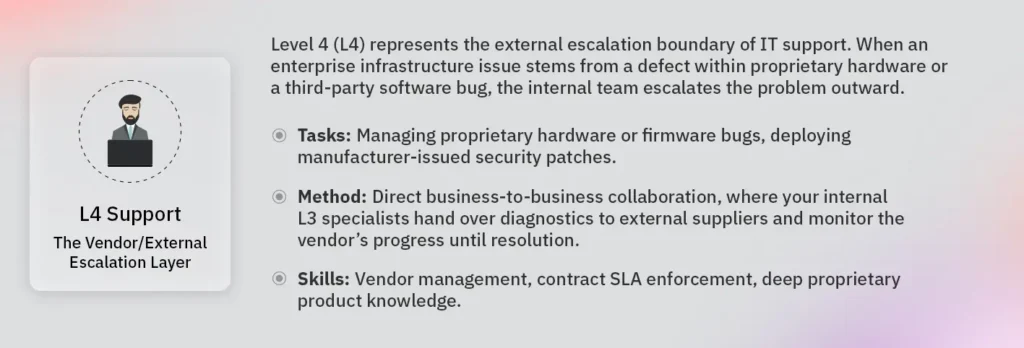
L4 Support: The Vendor/External Organisation Escalation Layer
Level 4 (L4) represents the external escalation boundary of IT support. When an enterprise infrastructure issue stems from a defect within proprietary hardware or a third-party software bug, the internal team escalates the problem outward.
- Primary Tasks: Managing proprietary hardware or firmware bugs, deploying manufacturer-issued security patches, and resolving carrier-level telecommunication outages.
- Method: Direct business-to-business collaboration, where your internal L3 specialists hand over diagnostics to external suppliers and monitor the vendor’s progress until resolution.
- Skills Required: Vendor management, contract SLA enforcement, deep proprietary product knowledge, and advanced enterprise systems integration.
- Synonyms & Alternate Titles: Vendor Support, External Escalation, OEM Support, Third-Party Engineering.
Side-by-Side Comparison
| Feature | L0 Support (Self-Service) | L1 Support (Helpdesk) | L2 Support (Technical) | L3 Support (Expert) | L4 Support (External Vendor) |
|---|---|---|---|---|---|
| Complexity | Automated / Autonomous | Low / Routine | Advanced / Technical | Highly Complex / Structural | Deep Proprietary Knowledge |
| Typical Goal | Independent resolution | Timely assistance & ticket routing | Deep diagnostics & hardware repair | Root-cause analysis & systemic fix | Vendor patch deployment |
| Knowledge Base | FAQs, portals & chatbots | General IT & End-User Computing (EUC) | Deep technical & system access | Product & service specialists | Original Equipment Manufacturer (OEM) |
| Fix Time | Immediate | Minutes (SLA-driven) | Hours (SLA-driven) | Days (Project-driven) | Dependent on vendor release cycles |
| Interaction | User with digital interface | Direct with end-users | Technical teams and on-site users | Internal systems & L1/L2 teams | B2B collaboration (L3 with external vendors) |
Real-World Use Cases
The L0 Scenario: The Mid-Shift Password Lock
- Context: At 2:00 AM, a remote logistics coordinator locks themselves out of the company portal right before a major shipping deadline.
- Resolution: Instead of calling a helpline or waiting for a morning response, the coordinator clicks the “Reset Credentials” button on the login screen. They complete a secure multi-factor authentication prompt, reset their password, and log back in within two minutes. The automation handles the request completely, resulting in zero live ticket creation.
The L1 Scenario: The Disconnected Local Printer
- Context: An employee in a regional sales office returns from a holiday and cannot connect to the new floor printer to print a critical client brief.
- Resolution: They walk up to the local IT helpdesk on-site. The L1 technician immediately checks the workstation, follows an established runbook to verify local network connectivity, reinstalls the standard printer driver package from the company portal, and confirms a successful test print—resolving the issue face-to-face within five minutes.
The L2 Scenario: The Crashing Workstation
- Context: A laptop consistently crashes and blue-screens whenever an employee attempts to run a resource-heavy data analytics application.
- Resolution: The L1 team verifies that the software is up to date, but cannot stop the crashes. They escalate the issue to L2. The L2 technician runs system diagnostics and identifies a failing physical memory card (RAM module). L2 dispatches a local on-site engineer to the branch office to replace the faulty hardware, restoring the machine to stable performance.
The L3 Scenario: The Localised Server Cluster Drop
- Context: Staff at a regional branch office suddenly lose access to their on-premise shared file drives, stopping all local document collaboration.
- Resolution: The L1 and L2 teams confirm that the individual user devices and office switches work perfectly, pointing to a deeper systemic problem. They escalate the ticket to L3. The L3 platform specialists trace the error to a corrupted storage volume configuration within the local server cluster. The L3 team rebuilds the configuration path and restores data access for the entire branch.
The L4 Scenario: The Proprietary ERP Software Bug
- Context: Following a scheduled operating system security update, a company’s third-party Enterprise Resource Planning (ERP) financial software completely stops processing international invoices.
- Resolution: Internal L3 specialists run deep log diagnostics and discover that the OS patch broke a specific proprietary script inside the ERP software itself. Because the internal team does not have access to the vendor’s closed-source application code, the L3 lead opens a priority case with the software provider’s engineering team (L4). The external L4 engineers develop, test, and deliver a hotfix patch that settles the software bug.
Why a Tiered Support Approach?
Adopting a tiered model aligns your IT operations with business growth goals.
- Cost Optimisation: You avoid paying specialist rates for basic tasks. By “right-sizing” the resource to the problem, you protect your maintenance budget—a principle we execute through precision dispatch in field services.
- Increased Efficiency: Tiering prevents the most expensive technical talent (L3) from being distracted by routine password resets, allowing them to focus on high-value infrastructure projects.
- Scalability: A tiered structure allows a company to scale its support up or down easily. You can expand the L1 “frontline” as the headcount grows without necessarily needing to hire more L3 architects.
- Faster Resolution: With a dedicated L1 team ready to answer calls instantly, users get immediate attention for hurdles, reducing overall business downtime.

Conclusion
A clear structure makes IT support more efficient, cost-effective, and scalable by placing every issue at the right expertise level. Implemented with clear runbooks, strict SLAs, and defined escalation paths, the tiered model reduces user downtime, preserves specialist time for high-value work, and simplifies capacity planning. Adopting this framework will accelerate resolution times and maintain resilient infrastructure.
At Total IT Global, we manage IT infrastructure by implementing a precise L0 to L4 support structure. We provide organisations with the technical capacity they require while maintaining the operational efficiency they demand. Our teams back this framework by tracking performance metrics, measuring success with key performance indicators (KPIs) like first-call resolution, mean time to resolution (MTTR), and escalation rates.
Whether you need a responsive frontline for your employees or specialist experts for your data centres, a tiered approach builds an IT support system as agile as your business.
Contact us today for a tier design review.