In many corporate conversations, the terms help desk and service desk are used interchangeably. Professionals often drop both acronyms into meetings as if they represent the exact same entity.
They do not.
While both functions handle incoming user issues, their philosophies, scopes, and business impacts differ significantly. Understanding the distinction between a help desk and a service desk is essential for structuring your IT operations correctly.
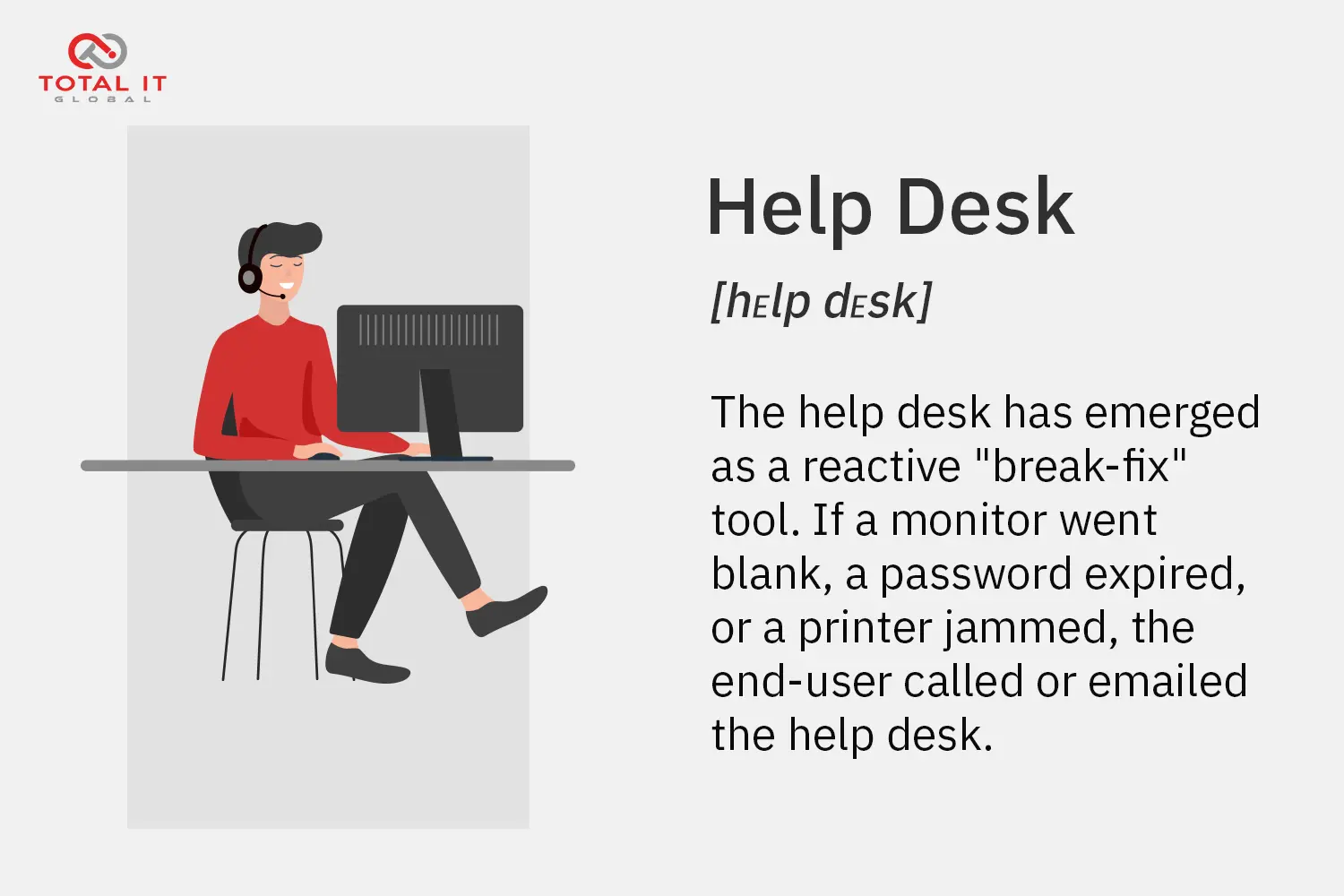
What is a Help Desk?
Historically, the help desk emerged as a reactive “break-fix” tool. If a monitor went blank, a password expired, or a printer jammed, the end-user called or emailed the help desk.
- Primary Focus: The end-user and the immediate incident.
- Location: In most cases local, in the office, plant or facility. (Typically, office hours)
- Operational Mindset: “Fix the problem and close the ticket.”
- Scope: Narrow and tactical. Help desks concentrate heavily on individual IT issues, hardware faults, and application errors.
- Key Features & Capabilities: Ticket logging, rapid incident resolution, password management, basic remote diagnostics, and escalation pathways. SLAs focus strictly on fast initial response times and quick fix windows for basic user tickets.
A help desk acts as a functional tactical troubleshooter. When a disruption occurs on a user’s workstation, the help desk arrives digitally, resolves the immediate friction, and moves on to the next call.
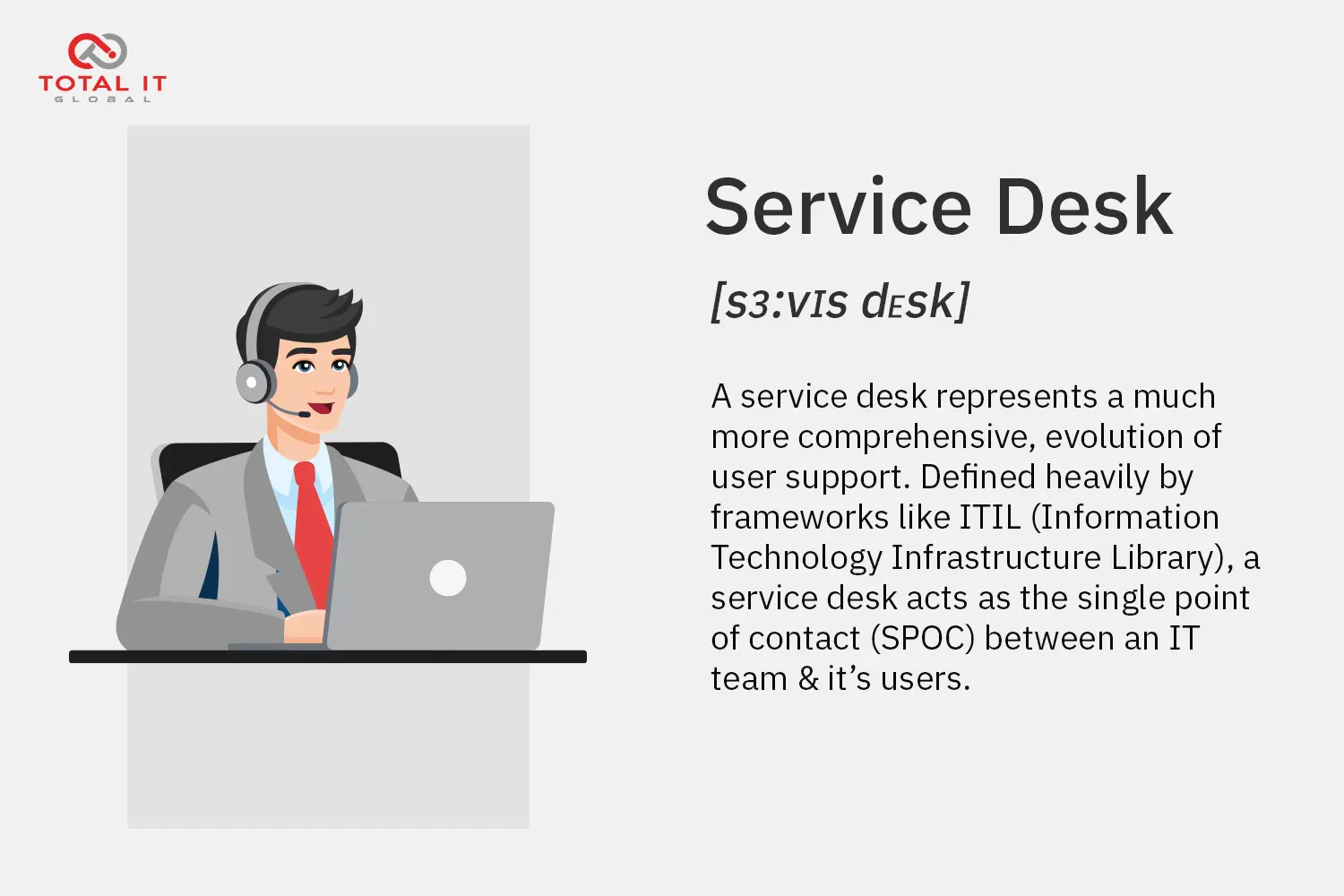
What is a Service Desk?
A service desk represents a much more comprehensive evolution of user support service models; manage, control and keeping oversight. Defined heavily by frameworks like ITIL (Information Technology Infrastructure Library), a service desk does not just react to broken technology; it acts as the single point of contact (SPOC) between the business and the entire IT organisation structure; inhouse, outsourced services, partners and manufacturers.
- Primary Focus: The entire business relationship with IT, encompassing both users and underlying infrastructure.
- Location: Most of the time remote, can even be in another country. (Typically, 24/7)
- Operational Mindset: “Manage the service lifecycle, prevent future incidents, and align with business strategy.”
- Scope: Broad. Service desks handle incidents, service requests (like provisioning new software licenses or setting up a new hire), change management, asset tracking, proactive maintenance and problem management.
- Key Features & Capabilities: Comprehensive SLA management (including strict uptime guarantees and resolution tracking across multiple tiers), a robust Configuration Management Database (CMDB) for tracking assets and dependencies, self-service portals, change management workflows, and vendor coordination.
A service desk functions less like an isolated quick-fix unit and more like an air traffic control tower. It monitors all incoming and outgoing technical traffic, coordinates complex moving parts, and ensures the entire digital airspace runs smoothly.
The Core Differences: Help Desk vs. Service Desk
To clearly separate the two, examine how they approach six distinct operational areas:
| Feature | Help Desk | Service Desk |
|---|---|---|
| Primary Objective | Restore broken IT services as quickly as possible | Manage the complete user-to-IT relationship and service lifecycle |
| Scope of Work | Reactive incident resolution (Break-Fix) | Incidents, service requests, change requests, and asset management |
| Core Features & Tools | Basic ticketing systems, remote viewing tools, and password reset utilities | Advanced ticketing, CMDB, self-service portals, change management, and automated workflows |
| SLA Focus | Fast response times and quick resolution windows for basic break-fix tasks | Comprehensive multi-tier SLAs, operational uptime targets, and service request turnaround times |
| Staff Skills Level | Typically staffed by Tier 1 (L1) generalists handling high-volume, repetitive tasks | Multi-tiered staffing ranging from Tier 1 (L1) to Tier 3 (L3) specialists, engineers, and service managers |
| Business Outlook & Integration | Tactical, operational, and largely isolated to immediate support tickets | Strategic, value-driven, and deeply integrated with ITIL processes and enterprise asset registers |
A practical scenario: How each handles a request
To bring these definitions out of theory and into reality, consider how each model handles two common workplace events:
Scenario A: The Broken Password
- Help Desk Approach: An employee forgets their login credentials. They call the help desk. The agent verifies their identity, resets the password, closes the ticket within the standard response SLA, and hangs up. The immediate transaction is complete.
- Service Desk Approach: The employee submits a password reset request via a self-service portal. The service desk executes the reset against defined SLAs, but the underlying system logs the event into a problem management workflow. If the service desk notices a 20% spike in password resets across a specific department, they investigate potential identity management bottlenecks or training gaps to prevent future occurrences.
Scenario B: Setting Up a New Branch Office
- Help Desk Approach: The help desk struggles to assist because their purview is limited to troubleshooting existing endpoints, not deploying new infrastructural environments.
- Service Desk Approach: The service desk acts as the central coordinator. They process the hardware requests, update the CMDB, schedule field IT service dispatch for on-site cabling, align tiered support teams for network configuration, and ensure the new branch integrates seamlessly into the company’s master asset register.
Why the distinction matters for your organisation
Choosing between—or evolving toward—a proper service desk model directly impacts your operational efficiency:
- Moving Beyond “Break-Fix”: If your IT team only reacts to broken hardware, your business remains permanently on the back foot. A service desk shifts your posture from reactive troubleshooting to proactive value delivery.
- Optimising Resource Allocation: By routing routine break-fix tasks to baseline frontline support while managing complex requests through structured workflows, you protect your maintenance budget and prevent burnout among your technical specialists.
- Comprehensive Governance: A service desk integrates cleanly with your broader operational frameworks—such as L1 to L3 tiered support models and on-site Smart Hands data centre management—providing total visibility over your global IT estate.

Conclusion
The help desk remains a vital tactical component of IT support, designed to handle immediate user friction with speed and precision. However, modern enterprises operating distributed workforces require the broader, strategic scope of a service desk to keep their digital infrastructure stable, compliant, and scalable.
Total IT Global helps organisations bridge the gap between tactical troubleshooting and strategic service management, ensuring your technology supports your business growth rather than slowing it down.